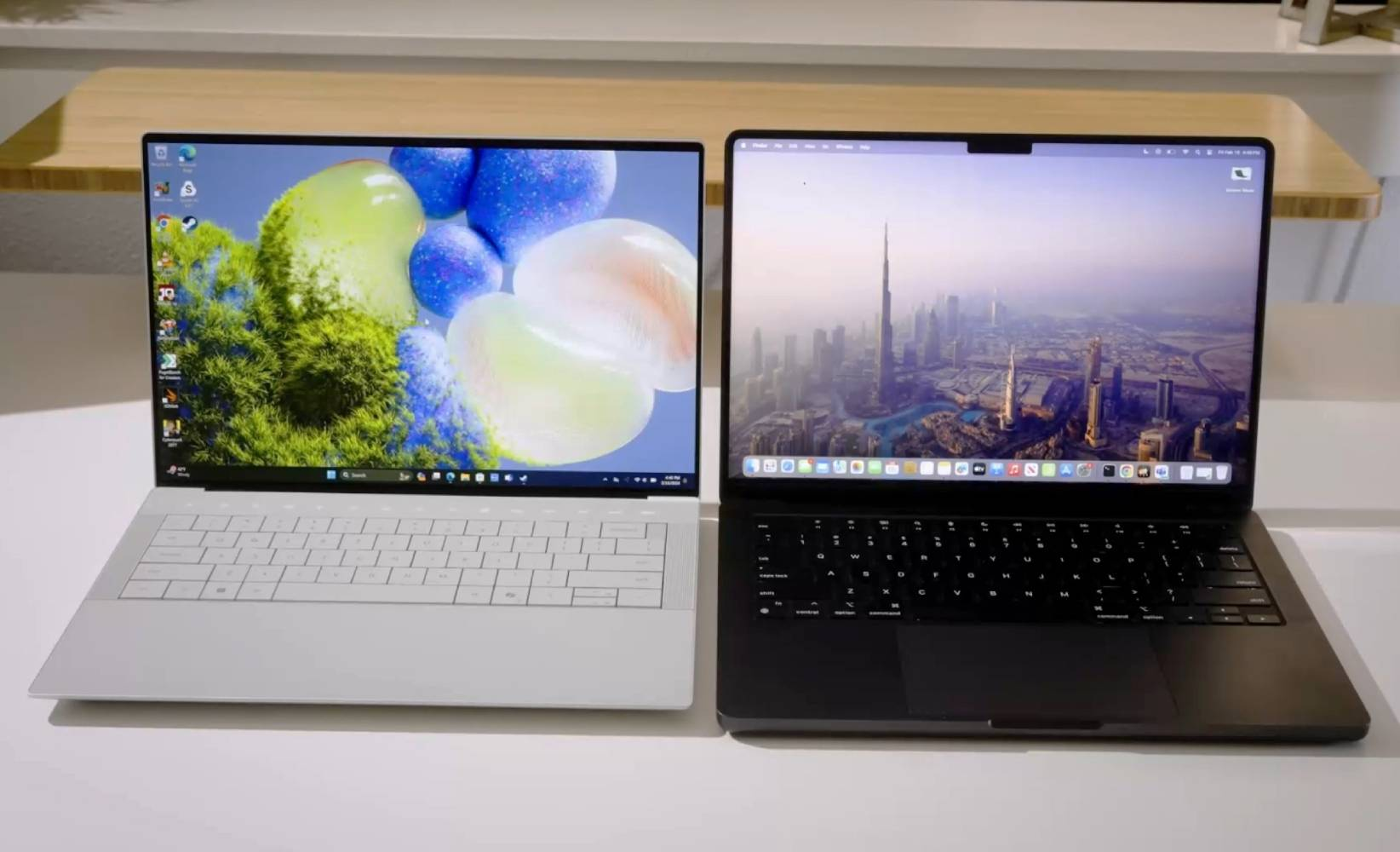
The Evolution of Professional Computing in 2025
The landscape of professional computing has reached a critical inflection point in 2025. With the integration of advanced neural processing units (NPUs) and high-efficiency silicon, the choice between the Apple MacBook Pro and the Dell XPS series has transcended simple hardware specifications. Users must now weigh ecosystem synergy against modular flexibility and OS-specific software optimization.
The Shift Toward AI-Driven Workflows
Both Apple and Dell have pivoted their 2025 hardware to accommodate heavy AI workloads. Apple’s M-series chips continue to lead in unified memory efficiency, while the Dell XPS series leverages the latest Windows-integrated AI acceleration, making local machine learning tasks faster and more secure for enterprise environments.

Performance Benchmarks and Hardware Architecture
When analyzing performance, it is vital to distinguish between raw compute power and sustained thermal performance. The MacBook Pro remains the gold standard for power-per-watt, providing consistent performance even when running on battery power. Conversely, the Dell XPS offers superior upgradeability and specialized thermal management systems designed for peak bursts in creative software suites.
Comparative Performance Metrics
| Feature | MacBook Pro (2025) | Dell XPS (2025) |
|---|---|---|
| Processor Architecture | Apple Silicon (ARM-based) | Intel Core Ultra / Snapdragon X |
| Memory Type | Unified Memory | LPDDR5x / DDR5 |
| Thermal Design | Active Cooling (Optimized) | Vapor Chamber Technology |
| Battery Efficiency | Industry-Leading | High Performance (Adaptive) |

Display Fidelity and Ergonomic Design
For creative professionals, the display is the primary workspace. Apple’s Liquid Retina XDR displays provide unparalleled dynamic range and color accuracy out of the box. The Dell XPS series counters with OLED touch-enabled panels that offer infinite contrast ratios and deep blacks, which are preferred by many UI/UX designers and content editors.
Pro Tips for Display Calibration
- Always use a hardware colorimeter to calibrate your display regardless of the manufacturer.
- Adjust your workspace ambient lighting to match the native white point of your display.
- Utilize OS-level color management tools to ensure consistency across Adobe and DaVinci Resolve workflows.
Frequently Asked Questions (FAQ)
- Which laptop is better for video editing in 2025?
- For ProRes workflows and Final Cut Pro users, the MacBook Pro is the undisputed champion. However, for those working in the Windows ecosystem with Premiere Pro or DaVinci Resolve, the Dell XPS offers excellent performance with the added benefit of NVIDIA GPU acceleration.
- Is the Dell XPS more repairable than the MacBook Pro?
- Yes. Historically, the Dell XPS series offers more user-accessible components, whereas the MacBook Pro utilizes a highly integrated System-on-a-Chip architecture that makes post-purchase hardware upgrades impossible.
- How does battery life compare during heavy tasks?
- Apple Silicon provides significantly better battery life during intensive tasks due to the efficiency of the ARM architecture. Dell XPS laptops are powerful but tend to consume more power when pushed to their limits.
- Does OS preference still matter in 2025?
- Absolutely. macOS remains preferred for creative industries and UNIX-based development, while Windows 11/12 is essential for enterprise compatibility, gaming, and specialized engineering software.
Editorial notice: Independent editorial content. Brand, platform, and company names are used for context only; this site is not affiliated with, endorsed by, or authorized by Sony, Tencent, Apple, Samsung, Dell, or any other mentioned rights holder.