The image of a professional photographer is often one of heavy camera bodies, bulky lenses, and cumbersome gear bags. Yet, a seismic shift is occurring in the industry, exemplified by creators like the Parisian photographer who finds his iPhone 15 Pro Max increasingly sufficient for professional work. This guide delves deep into this trend, exploring the technology, workflow, and practical considerations of whether Apple’s flagship smartphone can truly replace a dedicated professional camera. We’ll move beyond the personal narrative to provide a comprehensive analysis for any creative professional contemplating this powerful transition.
The Technological Leap: What Makes the iPhone 15 Pro Max Camera “Pro”?
The term “pro” is not just marketing; it’s a reflection of hardware and software capabilities once exclusive to high-end cameras. The iPhone 15 Pro Max integrates several key technologies that empower professional-grade image capture and processing directly in your hand.
The Advanced Triple-Lens System
At the heart of the device is a versatile camera array. The 48MP Main camera, the Ultra Wide, and the new 5x Telephoto lens provide a range of focal lengths equivalent to a professional lens kit. The Main camera’s larger sensor and pixel binning technology allow for exceptional detail and low-light performance. The 5x optical zoom on the Pro Max model, enabled by an innovative tetraprism design, offers significant reach without sacrificing image quality, a critical feature for portraiture and capturing distant subjects.
ProRAW and ProRes: Unlocking Creative Control
For professionals, data is everything. Apple’s ProRAW format combines the extensive information of a standard RAW file with the iPhone’s computational photography enhancements. This gives photographers maximum flexibility in post-production for adjusting exposure, color, and detail. Similarly, ProRes video recording provides a high-quality, low-compression codec that is a standard in the film industry, allowing for professional color grading and editing.
The Power of Computational Photography
This is the iPhone’s secret weapon. Underlying technologies like the Photonic Engine, Deep Fusion, and Smart HDR 5 analyze and optimize every pixel in real-time. Before you even press the shutter, the device is making millions of calculations to enhance texture, reduce noise, and perfect dynamic range. This intelligent processing automates complex techniques that would traditionally require manual bracketing and blending in software like Photoshop.
Workflow Revolution: Speed and Convenience in the Field
Beyond pure image quality, the iPhone 15 Pro Max revolutionizes the entire creative workflow. The efficiency gained by using a single, connected device from capture to delivery is a primary reason professionals are making the switch.
From Capture to Edit to Share: A Seamless Ecosystem
A photographer can shoot a high-resolution ProRAW image, edit it in a powerful app like Adobe Lightroom Mobile, and share it with a client or on social media within minutes, all from the same device. The integration with iCloud and Airdrop means files are instantly available on a MacBook or iPad for more intensive work, eliminating the need for card readers and file transfers.
The Portability Factor: Why Less Is More
For street, travel, and event photographers, discretion and mobility are paramount. Carrying a large camera can be intimidating to subjects and physically draining over a long day. The iPhone’s compact form factor allows for candid captures and access to locations where larger cameras might be prohibited, all while significantly lightening the gear load.
iPhone 15 Pro Max vs. Traditional Camera: A Head-to-Head Comparison
While the iPhone is incredibly capable, it’s essential to understand its strengths and weaknesses compared to a dedicated mirrorless or DSLR camera. This table provides a clear breakdown for those weighing their options.
| Feature | iPhone 15 Pro Max | Typical Mirrorless Camera (e.g., Sony A7 IV) |
|---|---|---|
| Portability & Convenience | Exceptional. Fits in a pocket, always available. | Bulky. Requires a dedicated bag for camera and lenses. |
| Sensor Size | Large for a smartphone, but small compared to dedicated cameras. | Significantly larger (APS-C or Full-Frame), offering superior depth of field control and low-light performance. |
| Lens Versatility | Fixed lenses (Ultra-Wide, Wide, Telephoto). Limited optical range. | Interchangeable. Virtually limitless options from fisheye to super-telephoto. |
| Workflow Efficiency | Unmatched. Shoot, edit, and share on one device. | Requires multiple steps: transfer files via card reader, edit on a computer. |
| Computational Power | Extremely high. Real-time image optimization. | Minimal. Relies on optical quality and user skill for the initial capture. |
| Cost | High for a phone, but it’s also a communication/computing device. | Body alone can be more expensive, with lenses adding significant cost. |
Pro Tips: Mastering Professional Photography with Your iPhone
To truly elevate your iPhone photography from casual snapshots to professional-grade work, you must move beyond the default camera app and embrace advanced techniques.
- Shoot in ProRAW: Always enable Apple ProRAW in your camera settings. The larger file size is a small price to pay for the immense editing flexibility it provides in post-production.
- Use Third-Party Apps: Apps like Halide or ProCamera give you manual control over ISO, shutter speed, and focus, mimicking the experience of a DSLR. For video, the Blackmagic Camera app unlocks professional cinema controls.
- Master Lighting: The iPhone’s smaller sensor is more dependent on good lighting than a full-frame camera. Learn to identify and use quality light sources. Invest in a small, portable LED light for fill light when needed.
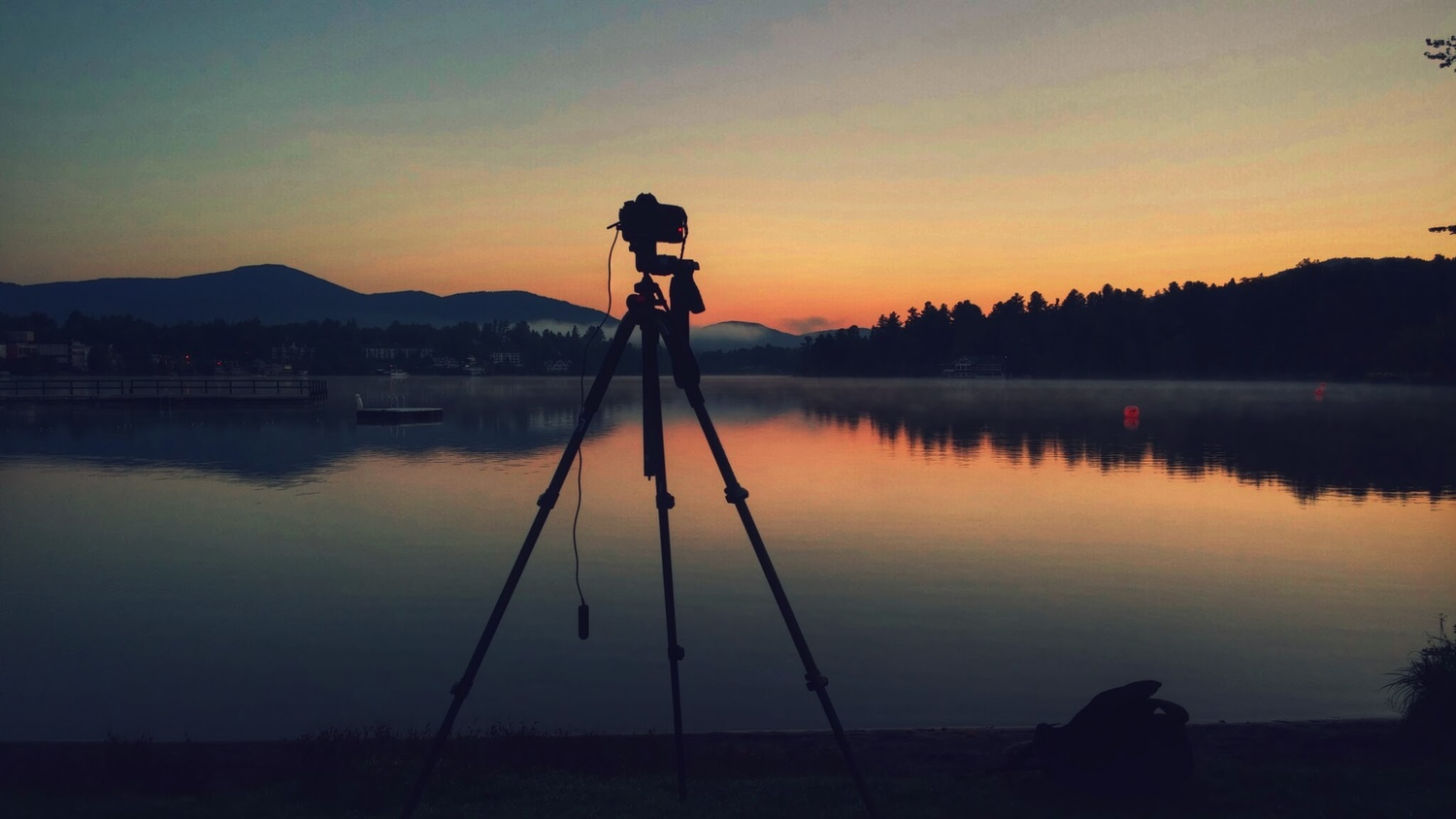
- Stabilize Your Shots: While image stabilization is excellent, a small tripod or gimbal is essential for long exposures, night photography, and silky-smooth video.
- Mind Your Composition: Technology can’t fix a bad composition. Use the grid overlay in the camera settings to apply principles like the rule of thirds to frame your shots intentionally.
Frequently Asked Questions (FAQ)
- Can the iPhone 15 Pro Max really replace a DSLR?
- For many applications like social media content, journalism, street photography, and even some commercial work, the answer is yes. Its convenience and quality are sufficient. However, for specialized fields requiring extreme telephoto lenses (wildlife, sports) or large-scale printing where maximum resolution is key, a dedicated full-frame camera still holds an advantage.
- What is Apple ProRAW and why should I use it?
- Apple ProRAW is a file format that combines the unprocessed image data from the camera sensor with Apple’s computational photography enhancements. It gives you the editing latitude of a traditional RAW file (to adjust white balance, exposure, etc.) without losing the smart processing that makes iPhone photos look great out of the box.
- How do I get the best low-light photos on the iPhone?
- To get the best results in low light, use a tripod to keep the phone perfectly still. This allows the camera to use a longer shutter speed in Night mode, capturing more light and detail with minimal noise. Tapping to focus on a brighter part of the scene can also help the camera set the correct exposure.
- Is the zoom on the iPhone 15 Pro Max as good as a real telephoto lens?
- The 5x optical zoom on the Pro Max is excellent and a major leap forward. It uses real optics to magnify the image without losing quality. However, it is a fixed 120mm equivalent. It cannot compete with the variable range and longer reach of a dedicated 70-200mm or 100-400mm telephoto lens for a mirrorless camera.