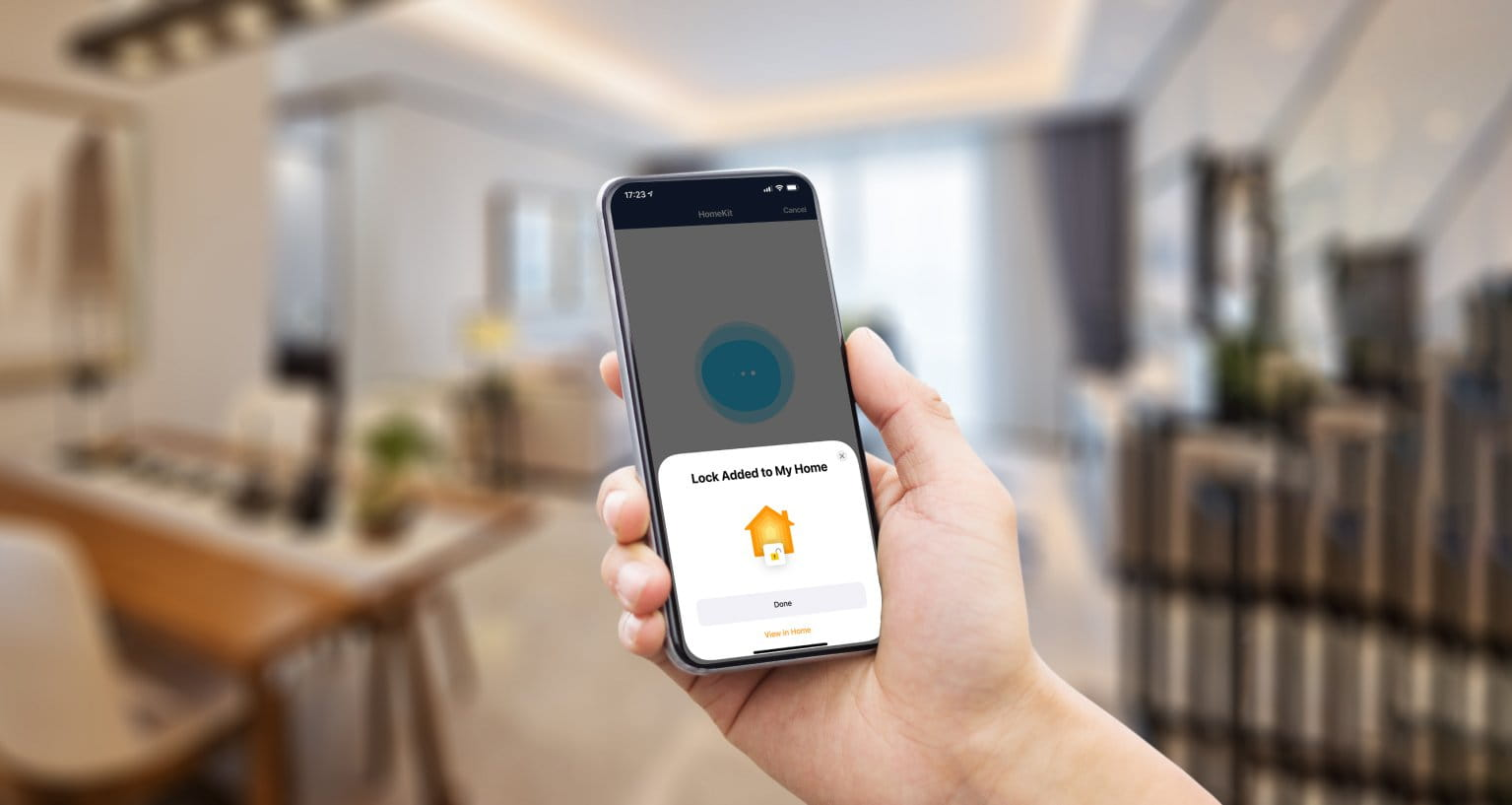
Welcome to your definitive guide for building a sophisticated, secure, and seamlessly integrated Apple smart home in 2025. The dream of a home that anticipates your needs is no longer science fiction. With Apple’s ecosystem, built on the pillars of HomeKit, HomePod, and Apple TV, you can create a truly intelligent living environment. This guide will walk you through the core components, the latest technological shifts like Matter and Thread, and the practical steps to transform your house into a smart home that is both powerful and profoundly private.
What is Apple HomeKit? The Foundation of Your Smart Home
Before you buy a single smart bulb, it’s crucial to understand the software brain that will run your entire operation: Apple HomeKit. It’s not a product you can buy, but rather a robust and secure framework built into iOS, iPadOS, and macOS. It allows disparate smart devices from various manufacturers to communicate with each other and with you, all under a single, encrypted umbrella.
The Core Principles: Security, Privacy, and Simplicity
The “Why” behind HomeKit is Apple’s unwavering commitment to user privacy. All communication between your devices, your hub, and your iPhone is end-to-end encrypted. Apple doesn’t know when you turn your lights on or off, a stark contrast to other ecosystems that may monetize user data. This focus on security means you can install cameras and locks with confidence. Simplicity is the other pillar; the Home app provides a clean, intuitive interface to control everything, regardless of who manufactured the accessory.
How HomeKit Works: The Hub-and-Spoke Model
HomeKit requires a central “home hub” to manage your devices, enable remote access, and run automations. When you’re at home, your iPhone can communicate with devices directly over Wi-Fi or Bluetooth. However, when you leave, the home hub acts as your secure gateway, relaying commands from the internet to your devices without exposing them directly. This architecture is key to both security and reliability. A HomePod, HomePod mini, or an Apple TV 4K can serve as this essential hub.

Choosing Your Home Hub: Apple TV 4K vs. HomePod
The home hub is the heart of your smart home. Your two primary choices are the Apple TV 4K and the HomePod or HomePod mini. While both can run your home flawlessly, they cater to different needs and use cases. Choosing the right one—or deciding to use both—is a foundational step.
Feature Comparison: Apple TV 4K vs. HomePod
| Feature | Apple TV 4K (with Ethernet) | HomePod / HomePod mini |
|---|---|---|
| Primary Function | Media streaming, gaming, home hub | High-fidelity audio, Siri assistant, home hub |
| Connectivity | Wi-Fi, Ethernet, Thread | Wi-Fi, Thread |
| User Interface | Visual (tvOS on your TV) | Auditory (Siri voice commands) |
| Best For | Living rooms, home theaters, users who want a stable wired connection | Distributed audio, hands-free control in any room |
| Pro Tip | The Ethernet port provides the most reliable connection for a primary hub. | Multiple HomePod minis can create a robust Thread mesh network. |
The Case for Using Both
You don’t have to choose just one. In an ideal setup, you might use an Apple TV 4K with its stable Ethernet connection as your primary hub in the living room, and place several HomePod minis throughout the house. This creates a redundant system. If one hub goes offline, another can take over. Furthermore, it expands your Thread mesh network, making your entire smart home faster and more reliable.

The Rise of Matter and Thread: Future-Proofing Your Setup
For years, the smart home was fragmented, with devices that couldn’t talk to each other. That era is ending with the arrival of Matter and Thread, two transformative technologies that Apple has fully embraced. Understanding them is key to building a smart home that will last.
What is Matter? The Universal Smart Home Language
Matter is an open-source connectivity standard that allows smart devices to work together regardless of the manufacturer or ecosystem. A Matter-certified lightbulb will work seamlessly with Apple Home, Google Home, and Amazon Alexa. For you, this means unprecedented choice. You are no longer locked into buying only “Works with Apple HomeKit” accessories. As long as a device has the Matter logo, it will integrate into your Home app.
Understanding Thread: A Faster, More Reliable Network
While Matter is the language, Thread is the conversation medium. Thread is a low-power, self-healing mesh networking protocol designed specifically for smart home devices. Unlike Wi-Fi, which can get congested, Thread creates a dedicated network for your accessories. Each Thread-enabled device (that is plugged into power) acts as a router, extending the network’s range and reliability. This means faster response times (no more “Updating…” messages) and a more resilient home. The HomePod and latest Apple TV 4K models are all Thread border routers, connecting your Thread network to your home’s Wi-Fi.
Mastering the Home App: Scenes, Automations, and Shortcuts
Owning smart devices is one thing; making them work for you is another. The real power of the Apple smart home is unlocked through Scenes and Automations within the Home app. This is where you move from simple remote control to true home intelligence.
Creating Scenes: Setting the Mood with One Tap
A Scene is a collection of pre-set actions for multiple devices that you can trigger with a single command. For example:
-
“Movie Night” Scene:
Dims the living room lights to 20%, turns on the Apple TV, and sets the thermostat to a cozy temperature. -
“Good Morning” Scene:
Slowly fades up your bedroom lights, raises the smart blinds, and starts playing your morning playlist on the HomePod. -
“I’m Leaving” Scene:
Turns off all lights, locks the front door, and lowers the thermostat.
You can activate these scenes with a tap in the Home app, a command to Siri (“Hey Siri, it’s movie night”), or by using an NFC tag.
Building Automations: Your Home on Autopilot
Automations take Scenes a step further by triggering them automatically based on specific conditions, without any input from you. This is the core of a truly “smart” home.
-
Location-Based:
“When the last person leaves home, run the ‘I’m Leaving’ Scene.” -
Time-Based:
“At sunset, turn on the porch lights.” -
Sensor-Based:
“If the motion sensor in the hallway detects motion after 10 PM, turn on the lights to 15% brightness.”
Expert Tips for a Flawless Apple Smart Home Experience
Building a great smart home involves more than just buying devices. Following best practices can prevent headaches and ensure your system is fast, reliable, and easy to use.
Pro Tips for Success
-
Prioritize a Strong Wi-Fi Network:
Your router is the foundation. A modern Wi-Fi 6 or 6E mesh system is the single best investment you can make for a reliable smart home. -
Adopt a Naming Convention:
Be specific and consistent when naming your devices and rooms (e.g., “Living Room Lamp” instead of just “Lamp”). This makes Siri commands much more accurate. -
Start with Thread and Matter:
When buying new accessories in 2025, prioritize those that support both Matter and Thread. This ensures maximum compatibility and performance for the future. -
Use a Wired Hub:
If possible, connect your primary home hub (preferably an Apple TV 4K) directly to your router via an Ethernet cable. This provides a rock-solid connection that won’t be affected by Wi-Fi interference.
New Accessory Purchase Checklist
- Does the product feature the “Matter” logo on its packaging or description?
- Does it support “Thread” for connectivity? (Highly recommended for speed and reliability).
- Is it powered or battery-operated? (Powered Thread devices act as mesh routers, strengthening your network).
- Have you read recent reviews regarding its integration with Apple HomeKit?
Frequently Asked Questions (FAQ)
-
Do I need an iPhone to use an Apple smart home?
- Yes. While you can control devices with a HomePod or Apple TV, the initial setup and management of the Home app requires an iPhone, iPad, or Mac. The ecosystem is designed to be deeply integrated with Apple devices.
-
What happens to my smart home if the internet goes down?
- One of HomeKit’s biggest strengths is its local processing. If your internet connection fails, you can still control your devices from within your home’s Wi-Fi network. Time-based automations will also continue to run. However, you will lose remote access and the ability to use Siri for commands that require web lookups.
-
Is Apple HomeKit more secure than Amazon Alexa or Google Home?
- Apple’s architecture is widely considered to be the industry leader in privacy and security. Its strict end-to-end encryption policy and on-device processing mean that Apple itself cannot access your device data. This “privacy by design” philosophy is a core differentiator from other platforms that may use your data for advertising or other purposes.
-
How much does it cost to get started with an Apple smart home?
- The entry cost is the price of a home hub and your first accessory. You can start with a HomePod mini (around $99) and a single Matter-enabled smart plug or lightbulb (around $15-$25). From there, you can expand at your own pace, adding devices as your budget and needs allow. The system is designed to be modular and scalable.
Editorial notice: Independent editorial content. Brand, platform, and company names are used for context only; this site is not affiliated with, endorsed by, or authorized by Sony, Tencent, Apple, Samsung, Dell, or any other mentioned rights holder.