Understanding M2 MacBook Air Battery Efficiency
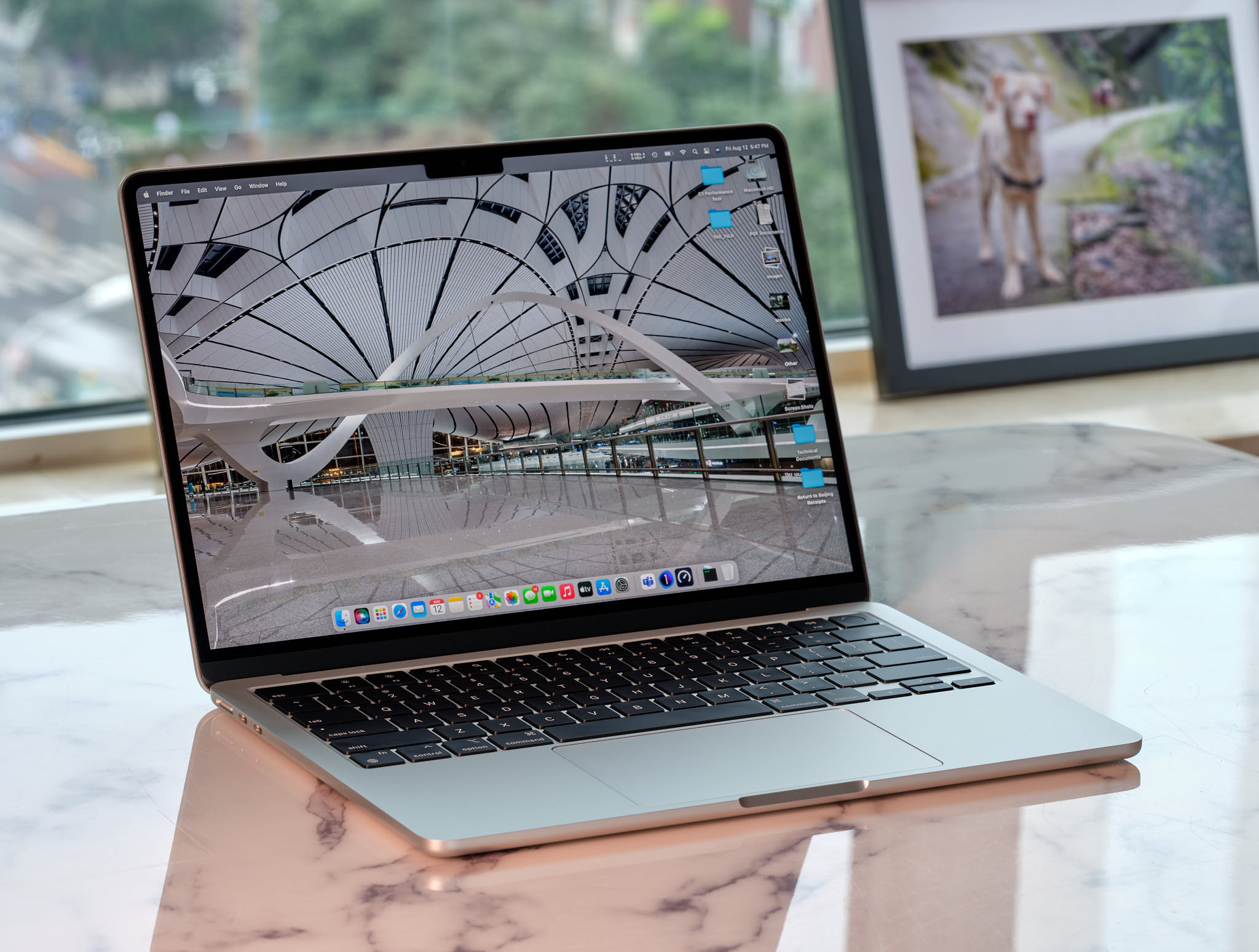
The M2 MacBook Air represents a paradigm shift in portable computing, balancing ultra-thin design with the high-performance architecture of Apple Silicon. At the heart of its endurance is the M2 chip, which utilizes a 5nm process to deliver incredible performance-per-watt ratios. Unlike traditional x86 architectures, the ARM-based M2 is designed to handle background processes with minimal power draw, making it a powerhouse for mobile professionals.
Why Apple Silicon Changes the Game
The integration of Unified Memory Architecture (UMA) allows the CPU and GPU to share the same memory pool. This reduces the energy cost of data movement between discrete components, directly contributing to the extended battery life that users experience during standard office tasks.
Real-World Performance: Can It Last a Full Day?
While Apple advertises up to 18 hours of video playback, real-world usage varies significantly based on workload. For developers, creative professionals, and students, the “all-day battery” claim is generally achievable, but it requires an understanding of how specific applications impact power consumption.
Workload Impact Analysis
| Activity | Impact on Battery | Estimated Duration |
|---|---|---|
| Web Browsing (Safari) | Low | 14-16 Hours |
| Video Conferencing (Zoom/Teams) | High | 6-8 Hours |
| Creative Work (Final Cut/Logic Pro) | Very High | 4-6 Hours |
| General Office Suite (Word/Excel) | Medium | 12-14 Hours |
Pro Tips for Maximizing Battery Longevity
To squeeze every drop of power out of your M2 MacBook Air, you must manage both hardware settings and software behavior. Small adjustments can lead to significant gains in daily endurance.
- Enable Low Power Mode: Accessed via System Settings, this mode reduces CPU clock speeds and display brightness to extend battery life during heavy travel days.
- Monitor Energy Impact: Use the Activity Monitor app to identify “Energy” hungry processes that may be running in the background.
- Optimize Display Brightness: The Liquid Retina display is power-efficient, but keeping brightness below 70% is the single most effective way to save battery.
- Use Safari Over Chrome: Safari is optimized by Apple to utilize hardware acceleration and energy-saving features that Chrome often ignores.
Frequently Asked Questions (FAQ)
- Does the M2 MacBook Air battery degrade quickly over time?
- Like all lithium-ion batteries, it will degrade over years of charge cycles. However, macOS includes “Optimized Battery Charging” which learns your routine to delay charging past 80% until you need it, significantly slowing chemical aging.
- Is the M2 MacBook Air better for battery than the M1?
- While the M2 chip is more efficient, the performance gains often lead users to push the machine harder. In identical tasks, they perform similarly, but the M2 handles peak loads with slightly better efficiency.
- Should I keep my MacBook plugged in all the time?
- Modern macOS power management is excellent. Keeping it plugged in won’t “overcharge” the battery, as the system will manage the power flow to protect the battery’s health.
- Does the lack of a fan affect battery life?
- The fanless design means no power is drawn by active cooling components. This makes the laptop extremely efficient for light to medium tasks, though sustained heavy loads may trigger thermal throttling.