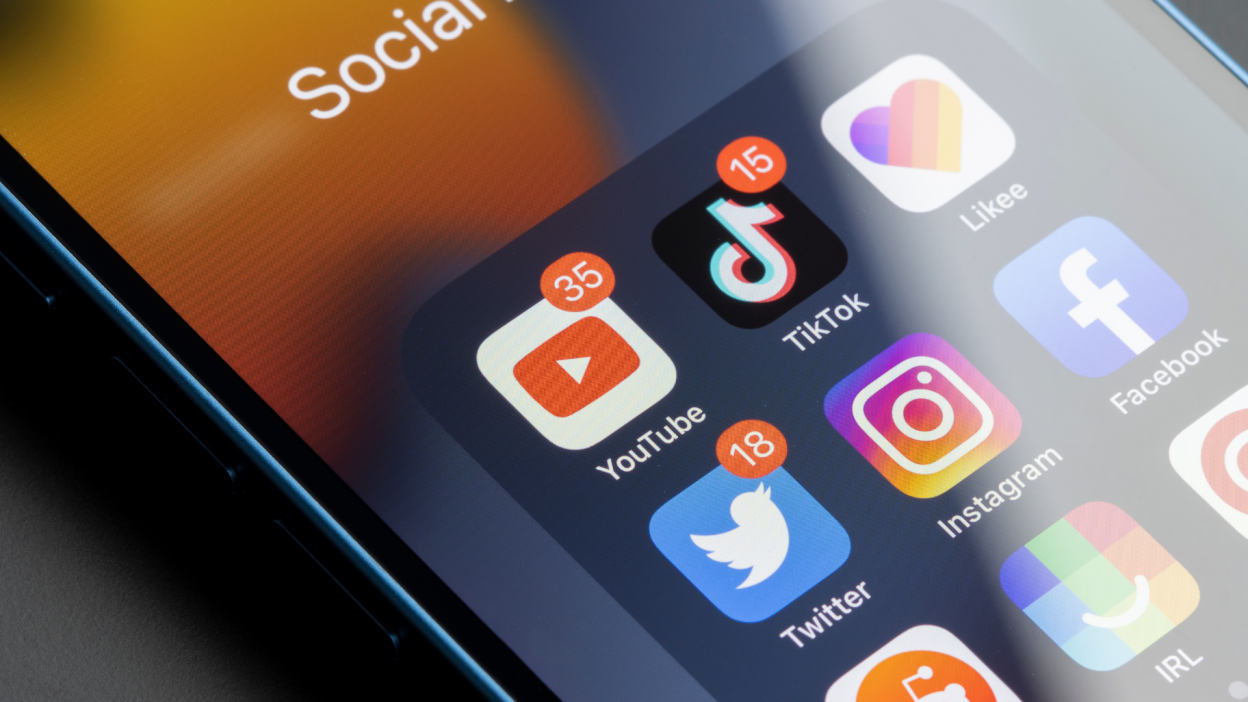
We live in an age of perpetual interruption. From the moment we wake up to the moment we sleep, our digital devices vie for our attention with a relentless barrage of pings, buzzes, and pop-ups. While each notification seems harmless in isolation, their cumulative effect is a significant drain on our most valuable resources: our time, focus, and creative energy. This guide is designed to move you from a reactive state of constant distraction to a proactive state of intentional focus. We will explore the deep-seated psychology behind why notifications are so compelling, uncover the severe cognitive costs they impose, and provide a detailed, actionable blueprint for reclaiming your attention and mastering your digital environment.
The Psychology of a Ping: Why Notifications Are So Addictive
To effectively manage notifications, we must first understand why they hold such power over us. The compulsion to check our phones is not a simple matter of poor self-control; it’s a deeply ingrained neurological response engineered by the very platforms that send the alerts.
The Dopamine Loop: Your Brain on Alerts
Every time you receive a notification, your brain gets a small hit of dopamine, a neurotransmitter associated with pleasure and reward. This creates a feedback loop. The alert signals a potential reward—a social validation like a “like,” an interesting piece of news, or a message from a friend. When you check it, you get the dopamine rush, reinforcing the behavior. Over time, your brain craves these small, unpredictable rewards, compelling you to check your device compulsively.
Variable Rewards and the Slot Machine Effect
Tech companies have perfected the art of “intermittent variable rewards,” the same principle that makes slot machines so addictive. You never know if the next notification will be a boring work email or an exciting message. This unpredictability makes the potential reward more enticing and the urge to check almost irresistible, keeping you constantly engaged and on edge.
The Fear of Missing Out (FOMO)
Beyond the chemical rewards, notifications tap into a powerful social anxiety: the Fear of Missing Out (FOMO). Alerts create a sense of urgency, suggesting that if you don’t check immediately, you might miss a crucial conversation, an important opportunity, or a social event. This anxiety drives a reactive behavior pattern where we prioritize the digital world’s demands over our real-world focus.

The Hidden Costs: How Constant Alerts Erode Cognitive Function
The true cost of notifications isn’t just the few seconds it takes to glance at a screen. It’s the profound and lasting impact on our ability to think, create, and perform at our best.
Attention Residue: The Lingering Cost of a Single Glance
When you switch from a primary task to check a notification and then switch back, your mind doesn’t immediately return to its previous state of focus. A part of your attention—what researchers call “attention residue”—remains stuck on the interruption. This cognitive residue degrades your performance on the main task, making you slower, less accurate, and less insightful. It can take over 20 minutes to fully regain deep focus after a single interruption.
The Myth of Multitasking: How Task-Switching Kills Productivity
Our brains are not designed for multitasking. What we perceive as multitasking is actually rapid task-switching. Each switch incurs a cognitive cost, draining mental energy and increasing the likelihood of errors. A constant stream of notifications forces us into a state of continuous task-switching, fragmenting our focus and dramatically reducing overall productivity and the quality of our work.
The Creativity Killer: Why Deep Work Requires Uninterrupted Time
Creative breakthroughs, complex problem-solving, and strategic thinking require sustained periods of uninterrupted concentration, often referred to as “deep work.” Notifications are the enemy of deep work. They shatter the fragile state of flow required for high-level cognitive tasks, preventing you from connecting disparate ideas and producing your most valuable output.
A Practical Guide to Taming the Notification Beast
Regaining control is not about abandoning technology but about using it on your own terms. Follow this structured approach to transform your relationship with notifications.
Step 1: The Digital Audit – Identify Your Biggest Distractors
For one or two days, pay close attention to every notification you receive. Use a notepad or a simple app to log which apps are interrupting you most frequently and which alerts are genuinely useful versus which are pure noise. Most modern smartphones also have built-in “Digital Wellbeing” or “Screen Time” features that can provide this data automatically. The goal is to gain clarity on the scale of the problem.
Step 2: Ruthless Culling – Disabling Non-Essential Alerts
Armed with your audit data, go into your device’s settings and begin disabling notifications. Be aggressive. Start with the “low-hanging fruit”: social media apps, games, and news alerts. For communication apps like email or messaging, customize the settings. For example, you can disable banner and sound alerts while keeping the badge icon, allowing you to check messages on your own schedule. The default should be “off” unless an alert is truly critical.
Step 3: Time-Blocking and Batching – A Proactive Approach
Instead of reacting to alerts as they arrive, schedule specific times in your day to check them. This is known as “batching.” Dedicate a 15-minute block in the late morning and another in the afternoon to process all your emails, messages, and other updates. This puts you in control and protects your high-focus “deep work” periods from interruption.
Pro Tips & Advanced Strategies for Digital Minimalism
Once you’ve mastered the basics, you can implement more advanced techniques to further fortify your focus and reduce digital dependency.
Leveraging “Focus Mode” on Your Devices
Both iOS and Android offer powerful “Focus Mode” or “Do Not Disturb” features. Don’t just use them for sleep. Create custom modes for “Work,” “Reading,” or “Family Time.” In each mode, you can specify exactly which apps and which people are allowed to break through with a notification. This is a surgical tool for controlling your digital environment based on your current context.
The “Grayscale” Trick to Make Your Phone Less Appealing
Our brains are drawn to bright, vibrant colors. By setting your phone’s screen to grayscale, you make it significantly less stimulating and appealing. The endless scroll through a colorful social media feed becomes a dull, uninteresting task, reducing the psychological pull and making it easier to put your phone down. This feature is usually found in the accessibility settings.
Notification Management Strategy Comparison
Not all notifications are created equal. Use this framework to decide how to handle different types of alerts.
| Notification Category | Description | Recommended Action |
|---|---|---|
| Urgent & Actionable | Requires immediate attention (e.g., phone call from family, calendar event reminder, two-factor authentication code). | Keep all alerts enabled (sound, banner, lock screen). These are the only notifications that should interrupt you. |
| Important, Not Urgent | Needs to be addressed, but not immediately (e.g., direct work messages, important emails). | Disable sound and banner alerts. Allow a badge icon so you can see it when you choose to check. Process in batches. |
| Informational | Updates that don’t require action (e.g., news headlines, shipping updates, weather alerts). | Disable all notifications. Check these updates manually within the app when you are curious. |
| Social & Promotional | Likes, comments, new followers, marketing promotions from apps. These are pure dopamine bait. | Disable all notifications entirely. This is the single most effective step for reducing digital noise. |
Frequently Asked Questions (FAQ)
-
Won’t I miss something important if I turn off most notifications?
- This is a common fear, but it’s largely unfounded. By being selective and only allowing truly urgent notifications (like phone calls or specific work contacts) to break through, you ensure you remain accessible for emergencies. For everything else, a delay of an hour or two is rarely consequential. You are simply shifting from being instantly reactive to intentionally responsive.
-
How do I manage work-related notifications without seeming unresponsive?
- Communication is key. Set clear expectations with your team. Inform them that you check messages at specific times (e.g., 11 AM and 4 PM) to focus on deep work. Provide a dedicated channel for true emergencies (like a phone call). This not only protects your focus but also models healthy work habits for your entire team.
-
What is the difference between focus and deep work?
- Focus is the general act of directing your mental resources toward a single task. Deep work, a term coined by Cal Newport, is a specific state of distraction-free concentration that pushes your cognitive capabilities to their limit. While all deep work requires focus, not all focused work is deep. Eliminating notifications is the foundational step to creating an environment where deep work is possible.
-
How long does it take to see the benefits of reducing notifications?
- You will likely feel an immediate sense of calm and control within the first day. The more significant benefits, such as improved ability to concentrate for long periods and a reduction in general anxiety, typically become noticeable within the first week. The key is consistency; over time, your brain will rewire itself to no longer crave the constant stimulation.