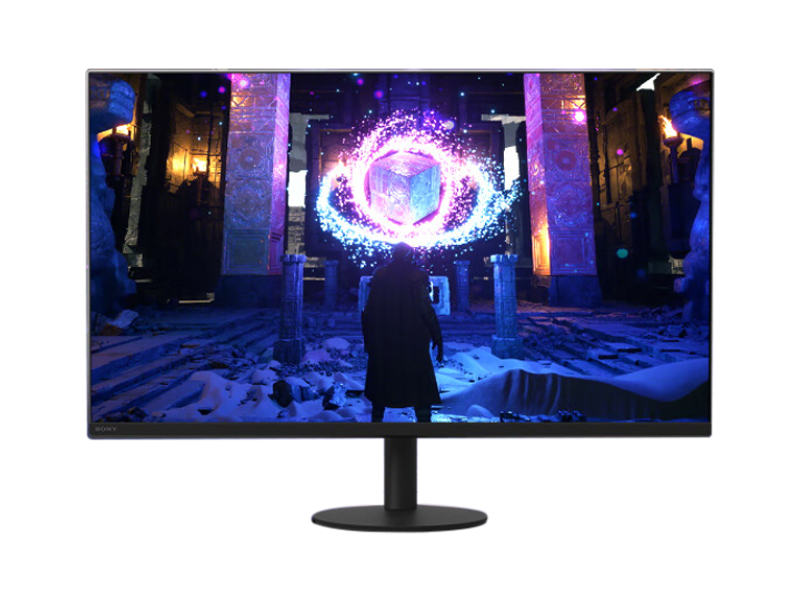
In the world of professional displays, two names consistently rise to the top: Sony and Dell. Sony, a titan of the entertainment and content creation industry, brings its cinematic and imaging expertise to the desktop. Dell, a powerhouse in the enterprise and productivity space, is renowned for its reliable, feature-rich UltraSharp monitors that have become an office staple. Choosing between them is not just about comparing specs; it’s about understanding their core philosophies and how their products align with specific, demanding workflows. This comprehensive guide dissects the key differences, technological advantages, and target audiences for both brands, helping you make an informed decision in 2025.
Core Philosophies: Sony’s Creative Legacy vs. Dell’s Enterprise Dominance
The fundamental difference between Sony and Dell monitors stems from their corporate DNA. Understanding this distinction is the first step in identifying which brand’s ecosystem is better suited for your needs. One is born from the camera and the studio, the other from the server room and the cubicle.
Sony: For the Creator-First Workflow
Sony’s approach to monitor design is an extension of its massive presence in the content creation pipeline. From its world-class Alpha cameras and CineAlta cinema cameras to its Bravia televisions, Sony’s expertise lies in capturing and displaying images with unparalleled fidelity. Their monitors, including the high-end BVM/PVM series and newer consumer-facing models, are engineered to seamlessly integrate into this ecosystem. They prioritize absolute color accuracy, reference-grade image quality, and features that cater directly to video editors, colorists, and photographers who demand that what they see on screen perfectly matches what their camera captured.
Dell: The Productivity and Business Standard
Dell’s reputation is built on reliability, functionality, and mass-market appeal, particularly in corporate environments. The Dell UltraSharp line is legendary for its combination of excellent performance, ergonomic design, and robust connectivity. Dell focuses on features that enhance productivity for office users, programmers, and general business professionals. This includes innovations like integrated KVM switches for controlling multiple PCs, extensive port selections including USB-C hubs with high power delivery, and factory color calibration that is “good enough” for most business and semi-professional creative tasks right out of the box.
Display Technology and Panel Performance Deep Dive
While both brands offer high-quality displays, they often emphasize different aspects of panel technology to serve their target users. The technical specifications reveal a story of differing priorities, from color science to raw speed and contrast.
Panel Types and Innovations
Both Sony and Dell heavily utilize IPS (In-Plane Switching) panels for their consistent color and wide viewing angles. However, the implementation and specific technologies differ.
- Dell’s IPS Black: Dell has been a major proponent of LG’s IPS Black technology, which significantly improves the contrast ratio of traditional IPS panels, moving from the standard 1000:1 to a much deeper 2000:1. This results in inkier blacks and more vibrant images, closing the gap with VA panels without sacrificing viewing angles.
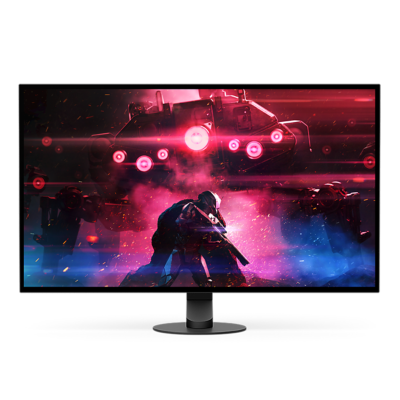
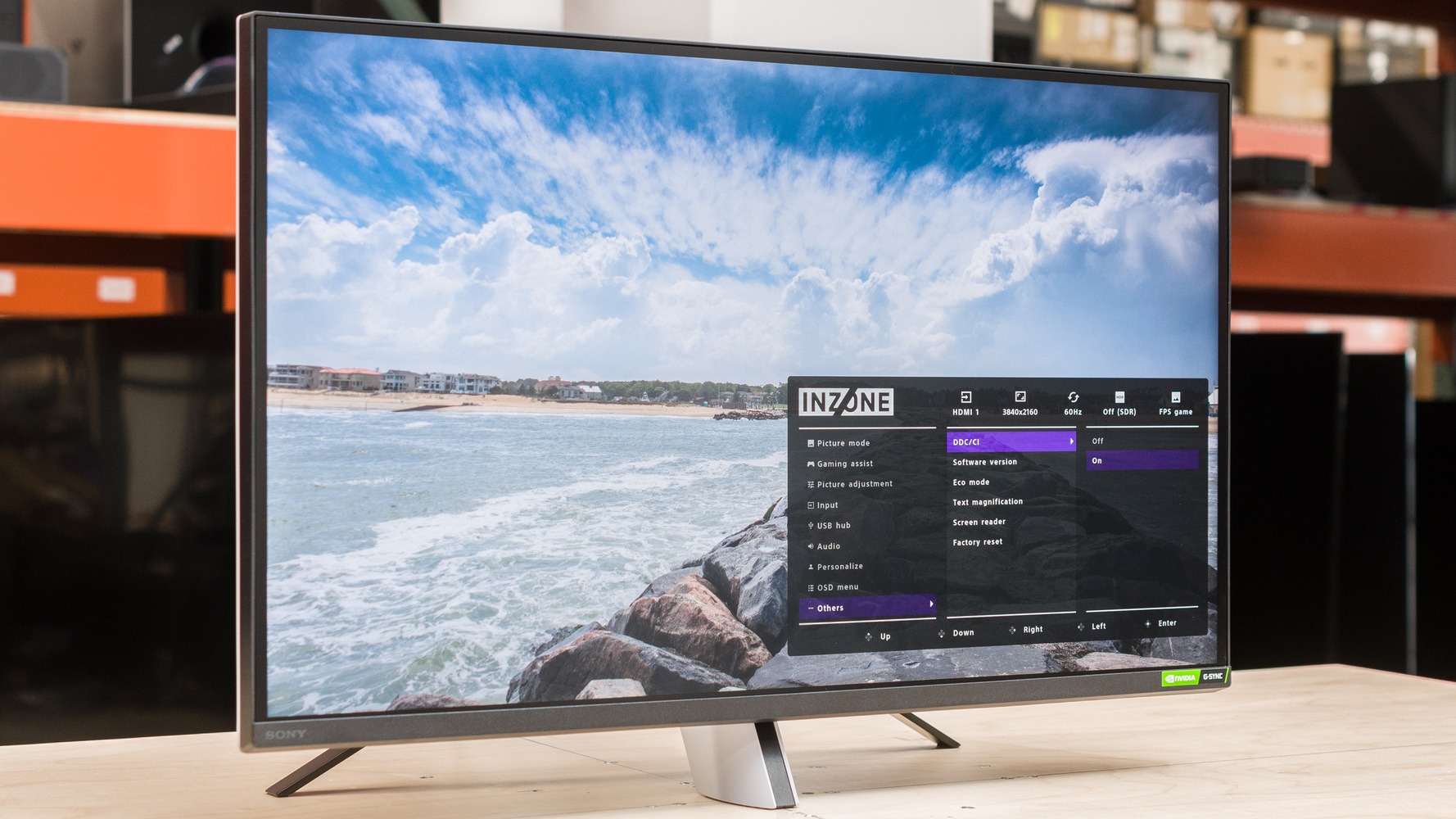
- Sony’s OLED and QD-OLED Expertise: Leveraging its television division, Sony is a master of OLED (Organic Light Emitting Diode) technology. For creative professionals, this means perfect black levels, infinite contrast, and pixel-level dimming, which is critical for HDR content creation and consumption. Their adoption of QD-OLED in gaming monitors like the INZONE series also showcases their commitment to cutting-edge panel tech for vibrant, responsive experiences.
Color Accuracy and Gamut Coverage
This is where the distinction becomes most critical for creative professionals. While both offer excellent color, Sony’s focus is on reference-level precision.
- Sony: Sony monitors are often factory-calibrated to a very low Delta E (<2 or even <1) and aim for near-perfect coverage of professional color spaces like Adobe RGB (99%+) and DCI-P3 (98%+). They are built for colorists and photographers who require absolute confidence in their display’s color reproduction.
- Dell: Dell UltraSharp monitors also come with excellent factory calibration and typically cover 100% of the sRGB and 98% of the DCI-P3 color gamuts. While fantastic for graphic design and general content creation, they may not always reach the same Adobe RGB coverage as specialized creative monitors from Sony, BenQ, or EIZO.
Brightness, Contrast, and HDR Capabilities
High Dynamic Range (HDR) performance is a key battleground. Sony’s broadcast and cinema background gives it an edge in meaningful HDR implementation. Many Sony displays aim for higher VESA DisplayHDR certifications (like DisplayHDR 600 or 1000), often backed by Full-Array Local Dimming (FALD) or the per-pixel control of OLED. This provides the specular highlights and deep blacks true HDR requires. Dell offers solid HDR support, typically at the VESA DisplayHDR 400 or 600 level, which is great for media consumption and gaming but may lack the nuance required for professional HDR video grading.
Feature Set Analysis for Professional Workflows
Beyond the panel itself, the suite of features built into a monitor defines its utility. Here, Dell’s focus on productivity shines, while Sony hones in on tools for the creator.
For Office and Productivity Users
Dell is the undisputed champion in this category. Their monitors are designed to be the central hub of a modern desk setup.
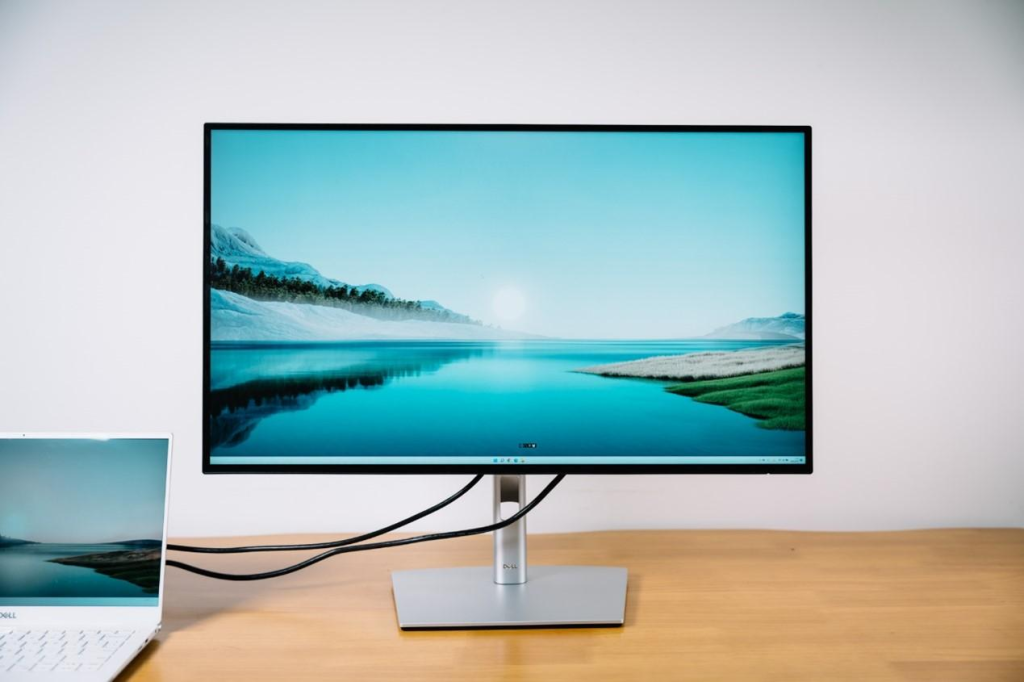
- Connectivity Hubs: Most mid-to-high-end Dell monitors feature a comprehensive USB-C hub with high-wattage Power Delivery (often 90W or more), allowing you to connect and charge a laptop with a single cable. They also typically include a built-in Ethernet port (RJ45) and an abundance of USB-A ports.
- KVM Switches: An integrated KVM (Keyboard, Video, Mouse) switch is a signature Dell feature. It allows you to connect two different computers to the same monitor and seamlessly switch control of your keyboard and mouse between them, a massive benefit for developers and multi-system users.
- Dell Display Manager: This powerful software allows for easy window snapping (Easy Arrange), input management, and other productivity-enhancing settings adjustments directly from your desktop.
For Creative Professionals
Sony’s feature set is less about desk convenience and more about image fidelity and workflow integration.
- Hardware Calibration Support: Professional Sony monitors are designed to work with external colorimeters for precise hardware-level calibration, ensuring color accuracy is maintained over time.
- Uniformity Compensation: High-end creative monitors often include technology to ensure brightness and color are consistent across the entire screen, eliminating variations that can affect editing decisions.
- Broadcast-Specific Features: Some models include professional features like waveform monitors, vectorscopes, and support for specific camera LUTs (Look-Up Tables), directly catering to videographers.
Ergonomics and Design
Both brands offer excellent ergonomics, with stands that typically provide height, tilt, swivel, and pivot adjustments. Aesthetically, Dell often opts for a clean, silver-and-black corporate look that fits into any office. Sony’s designs can be more varied, with their INZONE gaming line featuring a futuristic aesthetic inspired by the PlayStation 5, while their professional displays adopt a more minimalist, functional studio look.
Head-to-Head: Sony vs. Dell Model Comparison Table
To provide a practical comparison, let’s look at how representative models from both brands stack up across different market segments. This table illustrates the typical trade-offs in features and focus areas.
| Feature / Segment | High-End Creative (e.g., Sony BVM-HX vs. Dell UP series) | Mid-Range Professional (e.g., Sony INZONE M9 vs. Dell U-Series) | Gaming (e.g., Sony INZONE vs. Alienware/Dell G-Series) |
|---|---|---|---|
| Primary Focus | Reference-grade color accuracy for broadcast/cinema. | Balanced productivity, connectivity, and color performance. | High refresh rates, low latency, and HDR performance. |
| Key Strength | Sony: Unmatched color fidelity and pro video tools. | Dell: All-in-one productivity hub with KVM and USB-C. | Sony: FALD for superior HDR; Dell/Alienware: Often higher refresh rates and QD-OLED options. |
| Panel Technology | Dual-layer LCD or advanced OLED. | IPS Black (Dell) vs. FALD IPS (Sony). | QD-OLED, Fast IPS. |
| Connectivity | SDI, professional inputs. | USB-C with 90W PD, RJ45 Ethernet (Dell). | HDMI 2.1, DisplayPort 1.4. |
| Target User | Hollywood Colorist, VFX Artist. | Software Developer, Graphic Designer, Office Professional. | Console and PC Gamers. |
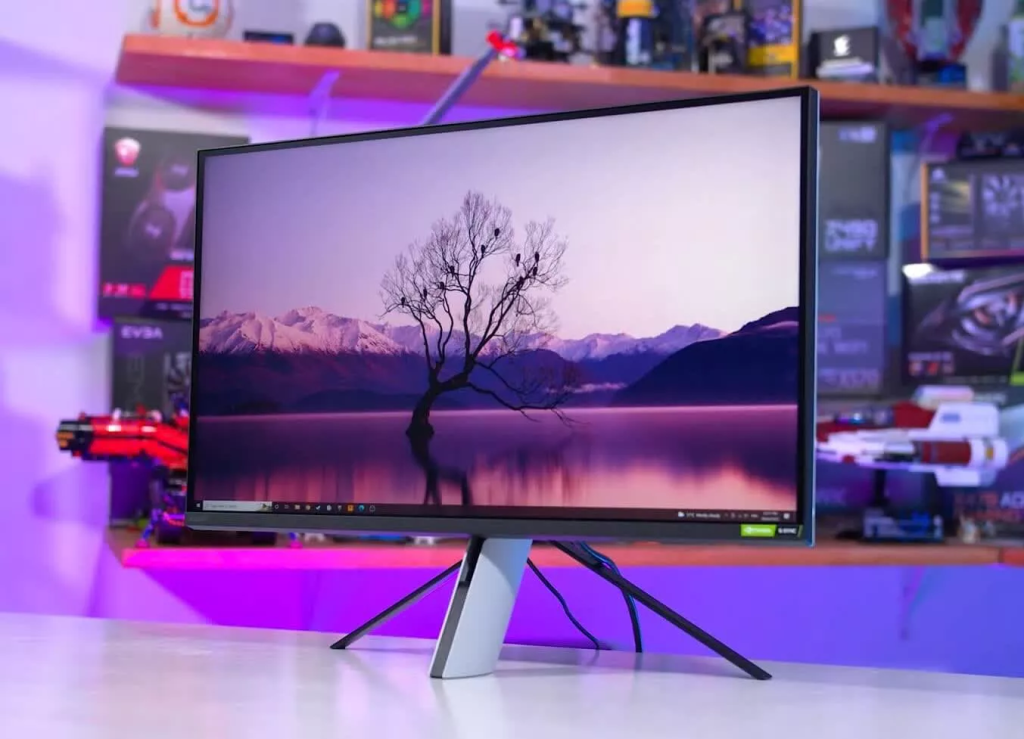
Beyond Dell: How Sony Stacks Up Against Other 2025 Contenders
While Dell is a primary competitor, the professional monitor market is fierce. It’s crucial to see how Sony’s offerings compare to other specialized brands that creatives often consider.
Sony vs. Apple Studio Display
The Apple Studio Display is a major competitor for creatives invested in the Mac ecosystem. Its strengths are its 5K resolution, seamless integration with macOS, excellent build quality, and fantastic built-in speakers and webcam. However, Sony often pulls ahead in versatility. Sony monitors offer more input options (making them PC-friendly), typically superior HDR performance due to better dimming technology, and often higher refresh rates. For users outside the Apple ecosystem or those prioritizing HDR and gaming, Sony presents a more flexible option.
Sony vs. BenQ & EIZO
BenQ (with its PhotoVue and DesignVue series) and EIZO (with its ColorEdge series) are legacy brands in the color-critical space. Like Sony, they focus on extreme color accuracy, hardware calibration, and uniformity. The competition here is tight. EIZO is often considered the absolute gold standard, with built-in self-calibrating sensors and industry-leading warranties, but at a significant price premium. BenQ offers a fantastic balance of price and performance, making it a favorite among photographers. Sony’s advantage often lies in its pioneering display technologies (like FALD and OLED) and its ecosystem integration, especially for videographers using Sony cameras.
Making the Right Choice: A Decision Framework
Your choice ultimately depends on your primary use case. Here is a simple framework to guide your decision between these two excellent brands.
Choose a Sony Monitor If…
- You are a video professional: Your work involves color grading, HDR content, or you shoot with Sony Alpha/Cine cameras and need a screen that matches their output.
- True HDR is a priority: You need a monitor with exceptional contrast and high peak brightness for creating or consuming HDR media.
- You want cutting-edge panel tech: You are an early adopter who wants the best image quality possible, leveraging technologies like OLED or FALD.
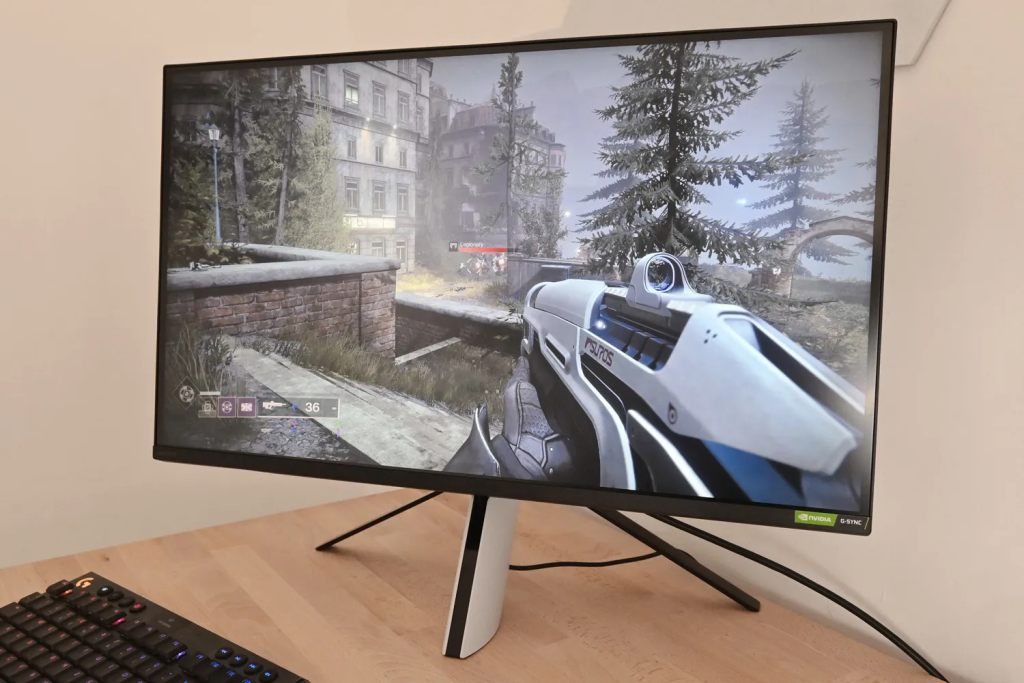
- You are a console gamer: Sony’s INZONE monitors are “Perfect for PlayStation 5,” offering features like Auto HDR Tone Mapping.
Choose a Dell Monitor If…
- You value productivity and convenience: You need a single-cable solution to connect your laptop, charge it, and access peripherals and the internet.
- You use multiple computers: The integrated KVM switch is a non-negotiable feature for your workflow.
- You need a reliable all-rounder: Your work involves a mix of office tasks, programming, and some creative work, and you need a monitor that excels at all of them.
- You prioritize value and support: Dell’s scale often allows them to offer competitive pricing and their UltraSharp line is backed by a strong warranty and premium panel guarantee.
Frequently Asked Questions (FAQ)
- Q1: Are Sony monitors good for gaming?
- Yes, particularly the Sony INZONE line. These monitors are specifically designed for gaming, featuring high refresh rates (144Hz to 240Hz), low input lag, HDMI 2.1 for console support, and excellent HDR capabilities thanks to Full-Array Local Dimming, which is a significant advantage over many edge-lit gaming monitors.
- Q2: Can I use a Dell UltraSharp monitor for professional photo editing?
- Absolutely. Dell UltraSharp monitors are very popular among photographers and graphic designers. They come factory-calibrated with excellent sRGB and DCI-P3 coverage. For the most demanding color-critical work, you might want a model with higher Adobe RGB coverage and perform a hardware calibration, but for a vast majority of professionals, an UltraSharp is more than capable.
- Q3: What is a KVM switch and why is it important in a monitor?
- A KVM (Keyboard, Video, Mouse) switch is a hardware device that allows you to control multiple computers from a single set of peripherals. When integrated into a monitor, like in many Dell models, it means you can connect both a desktop and a laptop to the display. By simply changing the input source on the monitor, you can seamlessly switch your keyboard and mouse to control the other computer, eliminating the need for extra hardware and decluttering your desk.
- Q4: Which brand generally offers better value for the money?
- This depends on what you value. Dell often provides better value for productivity features. A Dell UltraSharp with a 4K panel, full ergonomic stand, and a comprehensive USB-C KVM hub is often priced more competitively than a competitor with a similar panel but fewer features. Sony, on the other hand, provides value in image quality and specialized technology. If you need reference-grade color or best-in-class HDR, the premium price for a Sony monitor can be a worthwhile investment.
- Q5: How does Sony’s Spatial Reality Display technology compare?
- The Sony Spatial Reality Display is a highly specialized product and not a direct competitor to standard Dell monitors. It uses eye-tracking technology to create a glasses-free 3D stereoscopic image, primarily for industrial designers, architects, and VFX artists to visualize 3D models in a holographic-like space. It’s a niche, professional tool and exists in a different category from the traditional 2D monitors discussed here.
Editorial notice: Independent editorial content. Brand, platform, and company names are used for context only; this site is not affiliated with, endorsed by, or authorized by Sony, Tencent, Apple, Samsung, Dell, or any other mentioned rights holder.