Are Sony TVs Still Worth Buying in 2025?
The television market in 2025 is more competitive than ever, with aggressive pricing from emerging brands and relentless technological advancements from industry giants. In this hyper-competitive landscape, Sony maintains its position as a premium tier manufacturer. For consumers contemplating an upgrade, the question of whether a Sony TV is still worth the investment requires a deep dive into the brand’s unique technological ecosystem, processing prowess, and strategic shifts in display panel technology.
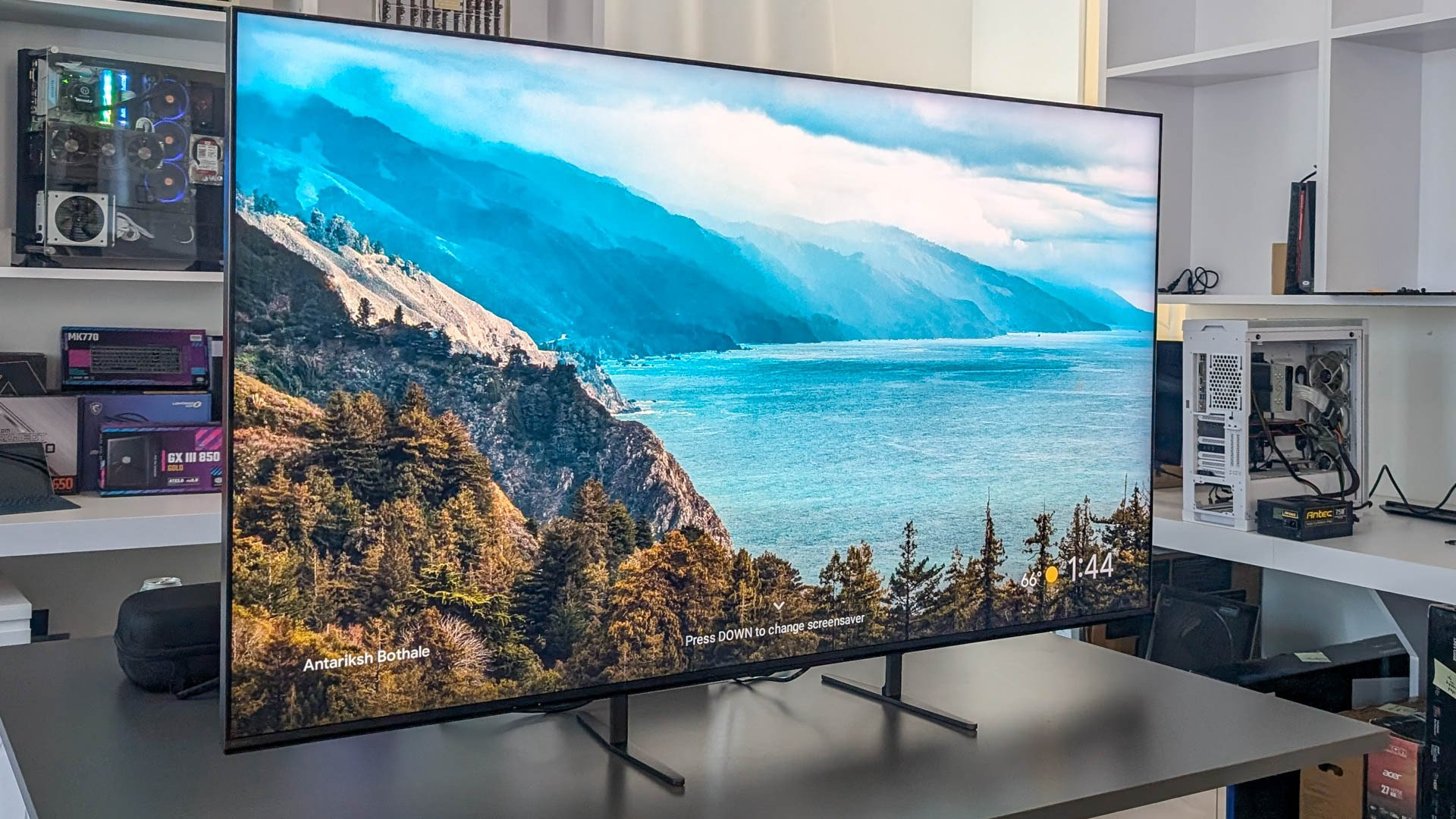
Sony’s strategy for 2025 heavily emphasizes a pivot toward advanced Mini-LED technology for its flagship models, such as the BRAVIA 9, while continuing to refine its OLED offerings like the BRAVIA 8 and the carry-over A95L QD-OLED. This dual-pronged approach ensures that whether a user prioritizes the infinite contrast of OLED or the searing peak brightness of Mini-LED, Sony has a meticulously engineered solution. The true value proposition of a Sony television, however, does not lie solely in the panel itself, but in the proprietary silicon driving it.
The Power of the Cognitive Processor XR
At the heart of Sony’s 2025 lineup is the highly evolved Cognitive Processor XR. Unlike traditional processors that analyze picture elements in isolation, the XR processor utilizes advanced artificial intelligence to cross-analyze hundreds of thousands of elements simultaneously, mimicking human visual and auditory perception. This results in unprecedented depth, focal point enhancement, and color accuracy. When evaluating the cost-to-performance ratio, the XR processor is often the differentiating factor that justifies Sony’s premium pricing over competitors using identical base panels.
To better understand the current landscape of Sony’s premium offerings, we can break down the core technologies defining their top-tier models this year:
- Mini-LED Mastery (BRAVIA 9 & 7): Utilizing XR Backlight Master Drive, Sony achieves granular control over thousands of dimming zones. This drastically reduces blooming while pushing peak brightness to levels required for true daylight viewing and impactful HDR rendering.
- QD-OLED Excellence (A95L series): Combining the absolute black levels of traditional OLED with Quantum Dot technology, delivering unmatched color volume and viewing angles for dedicated, light-controlled home theater rooms.
- Perfect for PlayStation 5: Sony’s “Perfect for PS5” ecosystem includes Auto HDR Tone Mapping and Auto Genre Picture Mode, ensuring that the television automatically optimizes itself for low-latency gaming or high-fidelity cinematic viewing the moment the console is powered on.
Ultimately, while Sony televisions demand a higher initial investment, their class-leading upscaling of lower-resolution content, superior motion handling via XR OLED Motion and XR Motion Clarity, and robust build quality ensure longevity. For cinephiles and dedicated gamers, the nuanced picture quality and seamless ecosystem integration make Sony displays a highly worthwhile investment in 2025.
Building an Immersive Smart Home Theater with Sony BRAVIA
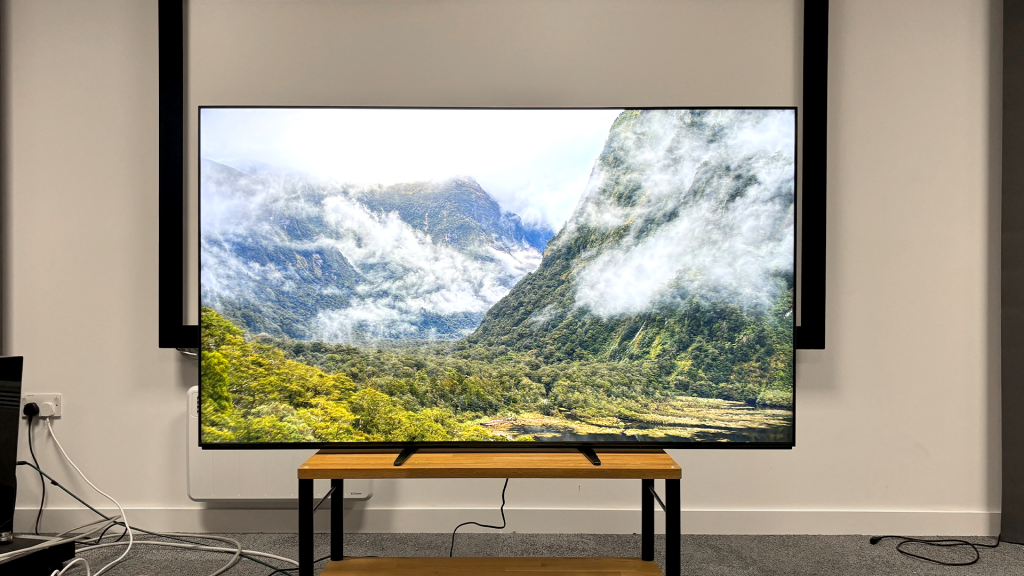
Purchasing a premium television is only the first step in replicating the cinematic experience at home. Audio is arguably half of the viewing experience, and this is where Sony’s holistic approach to home entertainment truly shines. Creating a smart home theater using a Sony BRAVIA TV and a compatible Sony soundbar unlocks a suite of proprietary audio technologies that third-party audio systems simply cannot access.
The cornerstone of this ecosystem is the seamless hardware and software integration designed to eliminate the disconnect between on-screen action and localized sound. Traditional soundbars sit below the television, often resulting in dialogue that sounds disconnected from the actors’ mouths. Sony engineered a brilliant solution to this long-standing acoustic challenge.
Acoustic Center Sync and 360 Spatial Sound Mapping
When you pair a compatible BRAVIA television with a premium Sony soundbar (such as the BRAVIA Theater Bar 9 or the HT-A7000), you unlock Acoustic Center Sync. This revolutionary feature allows the soundbar to utilize the television’s built-in speakers as the dedicated center channel in a multi-channel setup. Because Sony’s OLEDs use Acoustic Surface Audio+ (where actuators vibrate the screen itself to produce sound) and their Mini-LEDs use Acoustic Multi-Audio (with frame tweeters), the dialogue emanates directly from the exact point on the screen where the actor is speaking.
Furthermore, Sony’s 360 Spatial Sound Mapping technology takes standard Dolby Atmos and DTS:X audio tracks and elevates them. By utilizing built-in microphones in the soundbar and optional rear speakers, the system measures the exact acoustic properties of your living room. It then generates multiple “phantom” speakers around the listening area, creating a highly expansive, hemispherical soundstage that envelops the viewer from all directions.
Step-by-Step Guide to Setting Up Your Sony Home Theater
Achieving the perfect audio-visual synergy requires proper installation and calibration. While Sony has streamlined the user interface via Google TV, following a strict setup protocol ensures you are extracting every ounce of performance from your hardware. Below is the definitive process for configuring your BRAVIA TV and soundbar.
Physical Connection and HDMI eARC Integration
The foundation of high-bandwidth audio transmission is the HDMI eARC (Enhanced Audio Return Channel) port. This connection is mandatory for passing uncompressed audio formats like Dolby Atmos and DTS:X from the television to the soundbar. Using the ultra-high-speed HDMI cable provided with your soundbar, connect the eARC output on the soundbar to the designated eARC input on the BRAVIA TV (typically HDMI 3).
Once the primary connection is established, you must integrate the Acoustic Center Sync feature. This requires connecting the analog S-Center Out cable from the soundbar to the S-Center Speaker In port on the back of the television. This dedicated analog line ensures zero latency between the soundbar’s processing and the television’s screen-based audio output.
System Calibration and Software Configuration
With the physical connections secured, power on both devices. The BRAVIA television will automatically detect the Sony soundbar via BRAVIA Sync (HDMI-CEC), seamlessly integrating the soundbar’s controls directly into the TV’s Quick Settings menu. This eliminates the need for multiple remote controls.
To finalize the setup, follow these critical calibration steps:
- Run Sound Field Optimization: Navigate to the audio settings on your TV and initiate the Sound Field Optimization process. Remain perfectly quiet while the system plays a series of test tones to measure acoustic reflections in your room.
- Enable Acoustic Center Sync: In the TV’s audio output menu, ensure the “TV Center Speaker Mode” is toggled on. This activates the synergy between the soundbar and the display panel.
- Configure Picture Modes: For the most accurate cinematic viewing, switch the TV’s picture mode to “Cinema” or “IMAX Enhanced” (if watching supported content on platforms like Sony Pictures Core or Disney+). Ensure ambient light sensors are adjusted according to your room’s typical lighting conditions to prevent unwanted dimming.
Selecting the Ideal Components for Your Space
Because every living room has different acoustic properties and spatial constraints, selecting the right combination of Sony hardware is crucial. Sony’s 2025 lineup offers a tiered approach to home theater audio, allowing consumers to balance budget with audiophile-grade performance.
To assist in your decision-making process, we have compiled a comparative breakdown of the optimal soundbar pairings for different tiers of BRAVIA televisions. Understanding the specific capabilities of each tier ensures you do not overspend on audio gear that exceeds your room’s acoustic capacity, nor bottleneck a flagship television with an underpowered sound system.
| Sony TV Model Tier | Recommended Soundbar | Ideal Room Size | Key Audio Features |
|---|---|---|---|
| Flagship (BRAVIA 9 / A95L) | BRAVIA Theater Quad or Bar 9 | Large / Open Concept | 360 Spatial Sound, 13+ speaker units, IMAX Enhanced, Acoustic Center Sync |
| Premium (BRAVIA 8 / 7) | BRAVIA Theater Bar 8 (HT-A5000) | Medium / Dedicated Room | Dolby Atmos, Up-firing speakers, Optional Subwoofer integration |
| Mid-Range (BRAVIA 3) | HT-S2000 | Small / Bedroom | Virtual Surround Engine, Built-in dual subwoofers, Compact footprint |
For those investing in the flagship or premium tiers, adding a dedicated wireless subwoofer (such as the SA-SW5 or SA-SW3) and wireless rear speakers (SA-RS5) is highly recommended. While the soundbars produce excellent bass and virtual surround, dedicated physical drivers are required to reproduce the visceral, room-shaking low-frequency effects (LFE) and discrete rear-channel audio found in modern blockbuster films.
Frequently Asked Questions (FAQ)
- Is a Sony TV worth the premium price over competitors like Samsung or LG?
- Yes, particularly if you value color accuracy, superior motion handling, and advanced upscaling of sub-4K content. Sony’s Cognitive Processor XR provides unmatched image processing. Furthermore, the seamless integration with PlayStation 5 and Sony audio ecosystems provides a unified, high-end user experience that justifies the premium.
- Do I absolutely need a Sony soundbar for a Sony TV?
- While you can use any brand’s soundbar via HDMI eARC, staying within the Sony ecosystem unlocks exclusive features like Acoustic Center Sync and integrated on-screen user interfaces. If you want the TV screen to act as the center dialogue channel, a compatible Sony soundbar is strictly required.
- What is the difference between Acoustic Surface Audio+ and Acoustic Multi-Audio?
- Acoustic Surface Audio+ is used in Sony’s OLED TVs, utilizing actuators behind the panel to vibrate the screen itself, turning the entire display into a speaker. Acoustic Multi-Audio is used in their LED/Mini-LED TVs, utilizing sound-positioning tweeters in the frame to ensure high frequencies originate from the correct location on the screen.
- How do I ensure my PlayStation 5 is properly configured with my Sony home theater?
- Connect your PS5 directly to an HDMI 2.1 port on the BRAVIA TV (usually HDMI 3 or 4). Ensure “Enhanced Format (VRR)” is selected in the TV’s HDMI signal format settings. The “Perfect for PS5” feature will automatically handle Auto HDR Tone Mapping and switch to the low-latency Game Mode when the console is detected.
- Can I add third-party subwoofers or rear speakers to a Sony soundbar?
- No. Sony’s premium soundbars utilize a proprietary wireless protocol to connect to peripheral speakers. You must use compatible Sony wireless subwoofers (like the SA-SW3 or SA-SW5) and rear speakers (like the SA-RS3S or SA-RS5) to expand your system.
Editorial notice: Independent editorial content. Brand, platform, and company names are used for context only; this site is not affiliated with, endorsed by, or authorized by Sony, Tencent, Apple, Samsung, Dell, or any other mentioned rights holder.